What's due
I need to...
Get an assignment template
Each assignment has a Canva template in two layouts, 16:9 and A4. Open one, sign in to Canva, choose File > Make a copy, and work in your copy.
Submit my assignment
Export a web-friendly PDF (slide 2 of every template shows how) and submit it on Canvas by 18:00 Vietnam time on the due date. Include your Statement of Authorship.
Forgot a file? Don't resubmit, that makes it late. Add the missing file as a comment on your existing submission.
Ask for an extension
To request a short extension (up to 7 calendar days), follow these steps:
- Fill out the official Extension Form (PDF).
- Email the form to your Course Coordinator, Bin: bin.youn@rmit.edu.vn
- Include in your email: (1) course name, (2) your full name, (3) student ID, (4) the extension date you are requesting, and (5) the form, attached.
- Send it at least one working day (24 hours) before the original deadline.
Already late? Submit as soon as you can and email your lecturer. For serious circumstances, apply for Special Consideration.
Borrow a camera or tripod
Saigon South (SGS): book in person at the AV Room, Academic Building 1, Room 1.2.003 (Mon to Fri, 8:00 to 12:00 and 13:00 to 18:00). Bookings by email or online are not accepted. Kit you can borrow:
- Sony a6400 with 16-50mm kit lens
- Sony SD card 64GB
- Benro mini tripod
- SD card reader
Hanoi (HN): gear is limited, so book ahead by email to avloans.rmitvn@rmit.edu.vn with the subject (HANOI) student equipment loan - [your s-number]. Include your full name, s-number, course and assignment, the equipment you want, and your preferred pick-up time. Pick up at Tower A, 5th floor, Room 1.5.A412 (Mon to Fri, 8:30 to 12:00 and 13:30 to 17:00). Kit you can borrow:
- Canon 90D (body only)
- Canon 70D with 18-55mm lens
- Sigma 24-70mm f/2.8 DG lens for Canon
- Sigma 18-35mm f/1.8 DC lens for Canon
No lecturer approval needed. Loans are first come, first served, and the first check-out is up to 3 days (ask the AV team to extend). Bring your student ID when you pick up.
Check if my camera works for the course
You need a camera with Manual mode and RAW files. The Camera Checker tells you if your model has both.
Get Lightroom (Adobe access)
Lightroom and Adobe access are handled by Student Services, not your lecturer. Email them at studentserviceandsupport@rmit.edu.au with your full name, s-number and a screenshot of the problem.
Learning to use Lightroom: Module 0 sets it up and Module 3 covers editing. Adobe's own tutorials help too.
Get help in a support session
Online support sessions: Wed Nov 4 (A1), Wed Nov 25 (A2) and Wed Dec 23 (A3). Guidance and HD examples are on the Miro board.
See the week-by-week plan
Every week on one page: which module, which videos count for attendance, support sessions and due dates.
Shoot on campus
You need permission to photograph on campus. Carry the filming and photography form when shooting in public.
Contact my lecturer
Email bin.youn@rmit.edu.vn from your RMIT student email. Please don't use the Canvas Inbox. See below for who to email for what, and a template you can copy.
Nothing here matches. Try the FAQ results below, or email your lecturer.
Who to email, and how
Check the I need to... list and the FAQ first: most answers are already there. If not, email the right team below from your RMIT student email. Please don't use the Canvas Inbox.
Your lecturer, Bin Youn
Student Services
SCD Academic Services
AV team
SGS: in person only, AV Room 1.2.003.
HN: avloans.rmitvn@rmit.edu.vn, subject "(HANOI) student equipment loan - [s-number]".
How to write your email
- Subject: course code, assignment, and your question in a few words.
- Say who you are: full name, s-number and campus (SGS or HN).
- Be specific: what you need, which assignment, and what you have already tried.
- Attach screenshots, forms or proof if they help.
- One topic per email, and reply in the same thread if you follow up.
To: bin.youn@rmit.edu.vn
Subject: VART3626/VART3700 Photo 101, A1: [your question in a few words]

Dear Bin,

I am [full name], [s-number], studying at [SGS or HN] campus.

[Your question. What you need, which assignment,
and what you have already tried.]

[Attachments, if any: screenshot, form, proof.]

Thank you,
[full name]
This semester
Learn to control exposure, composition and light, edit in Lightroom, read photographs critically, and finish with a portfolio series of your own. Everything for the course lives on this page; the official record is always Canvas.
- SemesterSemester 3, 2026 · Oct 26 to Jan 15
- CourseVART3626 | VART3700 Photography 101
- FormatAsynchronous, online. No live classes; work through the Canvas modules each week.
- WorkloadAbout 10 hours of study a week
- You needA DSLR or mirrorless camera, and Adobe Lightroom
- AttendanceWatch at least 50% of the lecture videos in Modules 1, 2 and 4, inside Canvas
- SupportOnline sessions on Wed Nov 4 (A1), Wed Nov 25 (A2) and Wed Dec 23 (A3)
Assignments
Each assignment has a Canva template in two layouts. Open a link, sign in to Canva, choose File > Make a copy, and work in your copy. Slide 2 of every template shows how to export a web-friendly PDF. Submit on Canvas as a PDF.
Photographic Techniques
4 images with technical captions: one long exposure, one frozen movement, and one scene at a large then a small aperture. Plus a 200-word reflection.
Due Fri Nov 13, 18:00Photographic Craft and Visual Analysis
16 images (4 composition, 12 genre), 4 short reflections and one 400-word visual analysis.
Due Fri Dec 4, 18:00Final Folio
20 to 30 connected images. Develop two themes, build a moodboard, and attend the required consultation with your lecturer.
Due Fri Jan 15, 18:00Modules
The course runs in six modules on Canvas. Each has lecture videos, a quiz you can retry, and a discussion to share your photos.
Getting set up
Camera advice and settings, Lightroom setup, shooting RAW.
The fundamentals and the exposure triangle
What is photography? Aperture, shutter speed and ISO, a shooting exercise and the Module 1 quiz.
Composition, colour and light
Framing and composition, colour, natural light and time of day.
Post-production
Lightroom: import, rate, global and local adjustments, black and white, export.
Genres and visual analysis
Still life, landscape, portrait, street and conceptual photography; visual consistency and how to analyse an image.
Your final folio
Plan two themes and a moodboard, book your consultation, shoot, select and sequence, keep the edit consistent, export the PDF.
Tools
The Commons
A small 3D city to drop into: a gallery of student work, a club hall for group photos, a camera shop, this week's photo hunt, what is due, and consultations.
Walk in →Camera Checker
Check whether your camera has the manual controls the course needs.
Open →Student Roadmap
The whole semester on one page: modules, attendance, support sessions and every due date.
Open →Support Board
Assignment guidance and a showcase of HD work from the online support sessions.
Open on Miro →Lightroom Tutorials
Adobe's own step-by-step lessons for importing, editing and exporting in Lightroom Classic.
Open →Student work out in the world
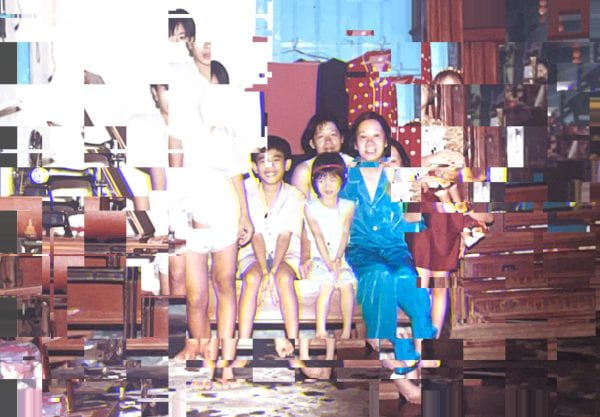
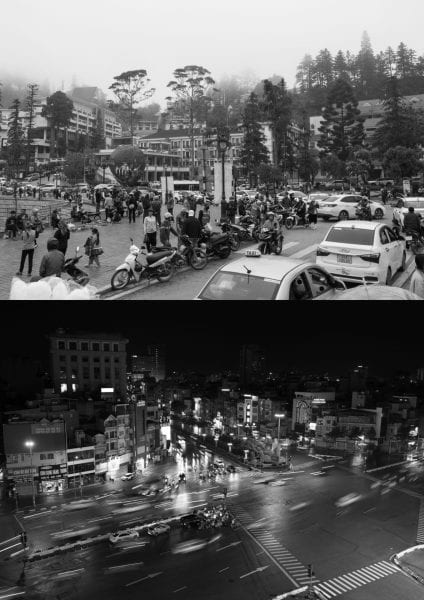
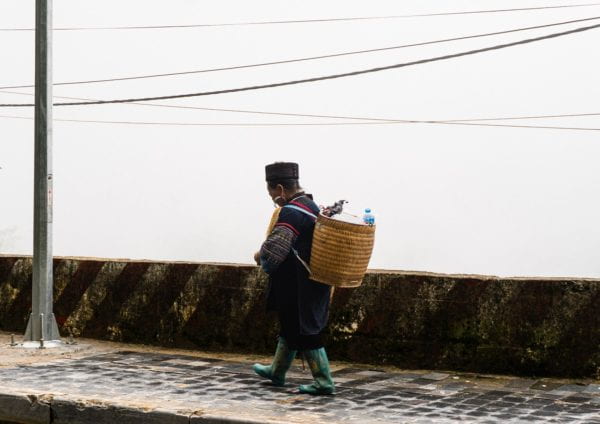
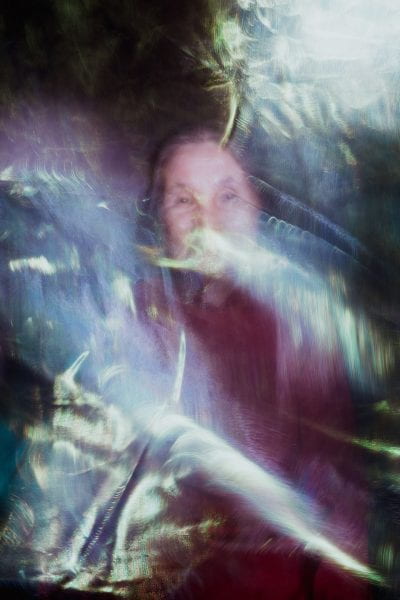
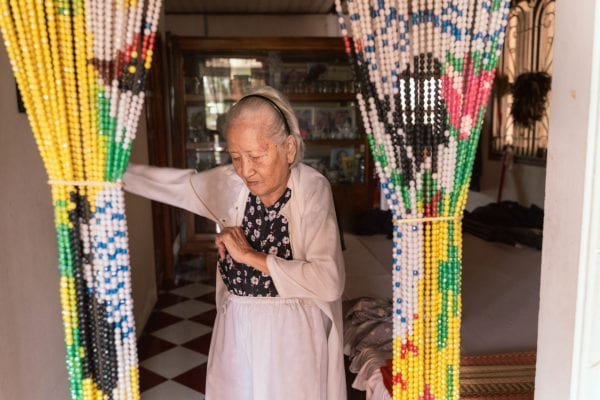
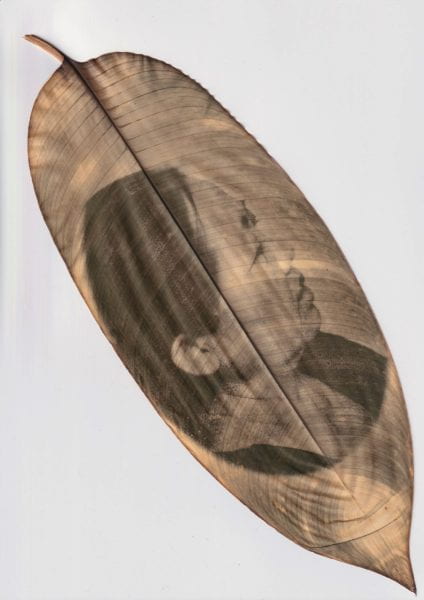
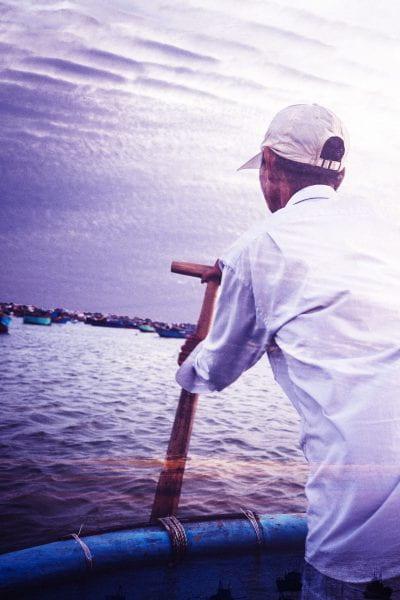
Photography 101 is where it starts. In September 2026, work by Photography 101 students hung at the Pingyao International Photography Festival in China, alongside students from Creative Photography and Digital Media.
rễRoute · Pingyao International Photography Festival, China · September 2026
RMIT Photography from Australia and Vietnam: 31 artists from RMIT Melbourne and RMIT Vietnam, including 8 of our students. Tap a work to read the artist's statement.

References
Related material to look at, read and try. None of it is required, but it will make your photographs and your writing better.
Documentary and street
Work from the photographers' cooperative. Useful for the street and portrait genres in Module 4.
Browse →Museum of Modern Art collection
Search the collection for photographers you meet in the lectures and study how their series hold together.
Browse →International Center of Photography
Exhibitions and essays on photography's history and its current practice.
Browse →Photography, art term
A short introduction to photography as an art form, with links to key works. Handy for the visual analysis in A2.
Read →Creative Photography
The next step: five experiments that push photography past the single frame, then a final project of your own.
Visit →rễ-root
Exhibitions, artist talks and workshops from Creative Photography, the course many students take after Photo 101.
Visit →Commercial Photography
The studio course: product, portrait and brand work, from the first tabletop frame to a client-style pitch.
Visit →Alternative Process Lab
Print your own photo as a cyanotype, salt print, albumen print or daguerreotype, right in the browser.
Open →Elemental WebAR
Turn a printed photograph into an AR marker that opens on any phone. No app, no account.
Open →Rules and tips
- No generative AI imagesYou may not use generative AI to create images, or to add or change elements of your images. AI can support research and ideas; reference any AI you use.
- Get permission to shootYou need permission to photograph on campus. Carry the filming and photography form when shooting in public.
- Shoot RAW, edit in LightroomModule 0 shows you how to set up your camera and Lightroom before you start.
- Do every quizThey give instant feedback and you can retry them as often as you like.
- Share and commentPost in the discussions and comment on classmates' work. Feedback is how you improve.
- Canvas winsAll times are Vietnam time (ICT). If anything here differs from Canvas, Canvas is correct.